1
Four buttons at the bottom
Draw · Discover · Profile · Lab. Tap one to go there.
— A little guide, with Sandy
A few simple steps for using SehgArt. Trace a picture, colour it in, and get a little better every day.
Grown-up? Open the Grown-ups' Guide →
Draw · Discover · Profile · Lab. Tap one to go there.
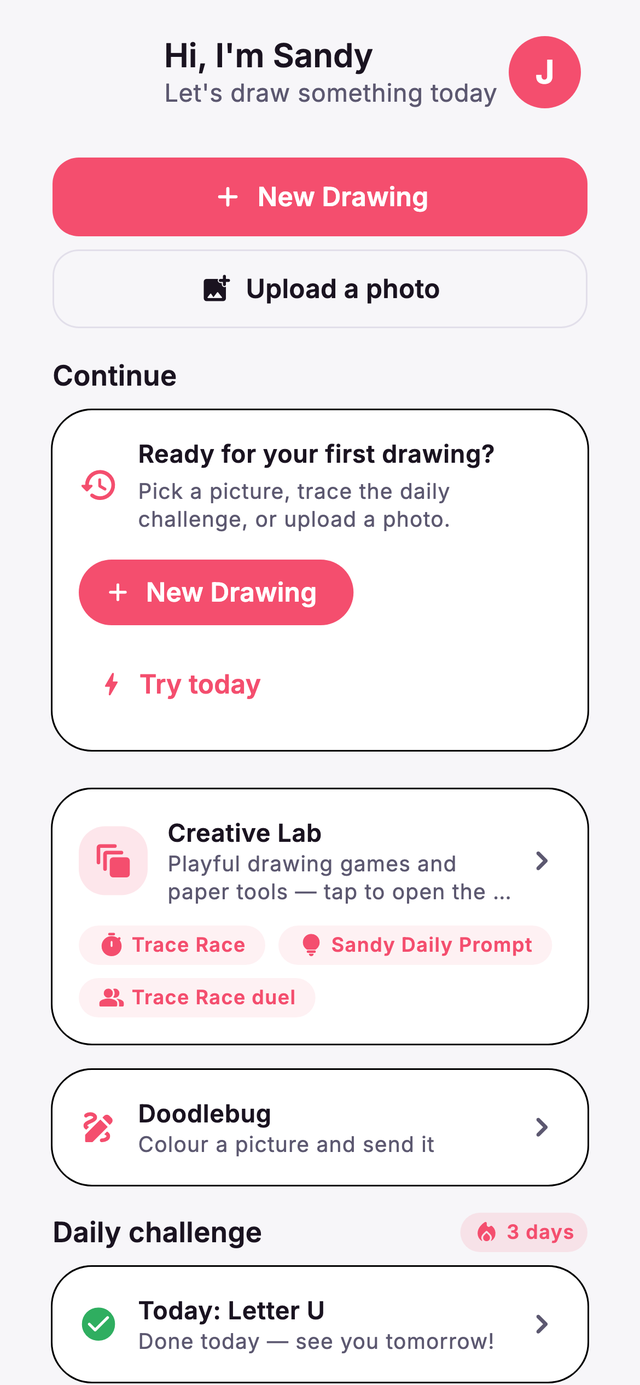
Tap New Drawing. Pick a picture, snap a photo, or upload one.
Go to Discover. There are lots of pictures — animals, cars, food and more. Tap one you like!
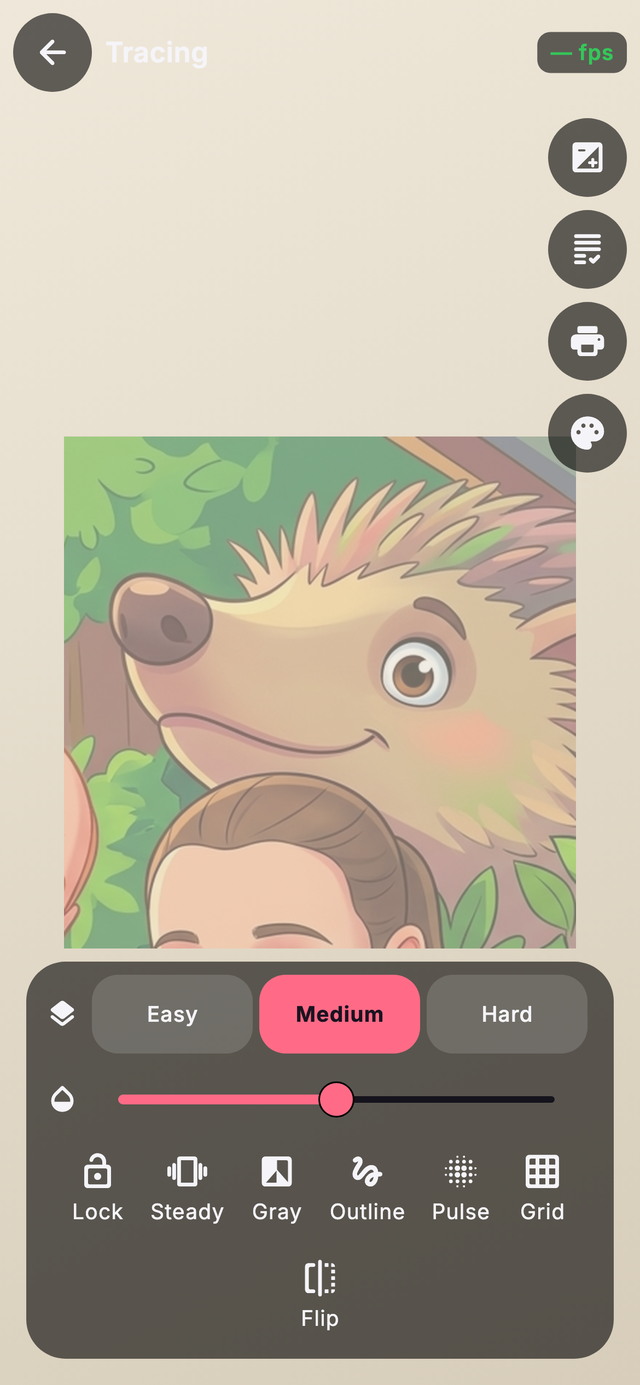
Hold the phone over your paper and trace the picture you see. Tap Lock so it stays still. Got a printed mat? Point at it and the picture sticks right on the paper!
The Lab has fun games. Kaleidoscope makes pretty patterns, Finish The Picture turns a squiggle into anything, and Trace Race gives you stars.
Pick colours and fill in your picture. Try Magic Colour Reveal in the Lab!
Sandy gives you kind tips and stars. Come back every day for a new idea!
Your drawings are saved just for you. Show them off in the Family Gallery!
Have fun! 🦔🎨