Skip to content
SehgArt

AR Trace · Sketch · Learn

Point your camera at any picture. Learn to draw it.

A calm, ad-free drawing studio for kids 6–16. No accounts, no ads — nothing leaves the tablet.

Join the waitlist →

Not on the app stores yet — join for early access.

See how it works
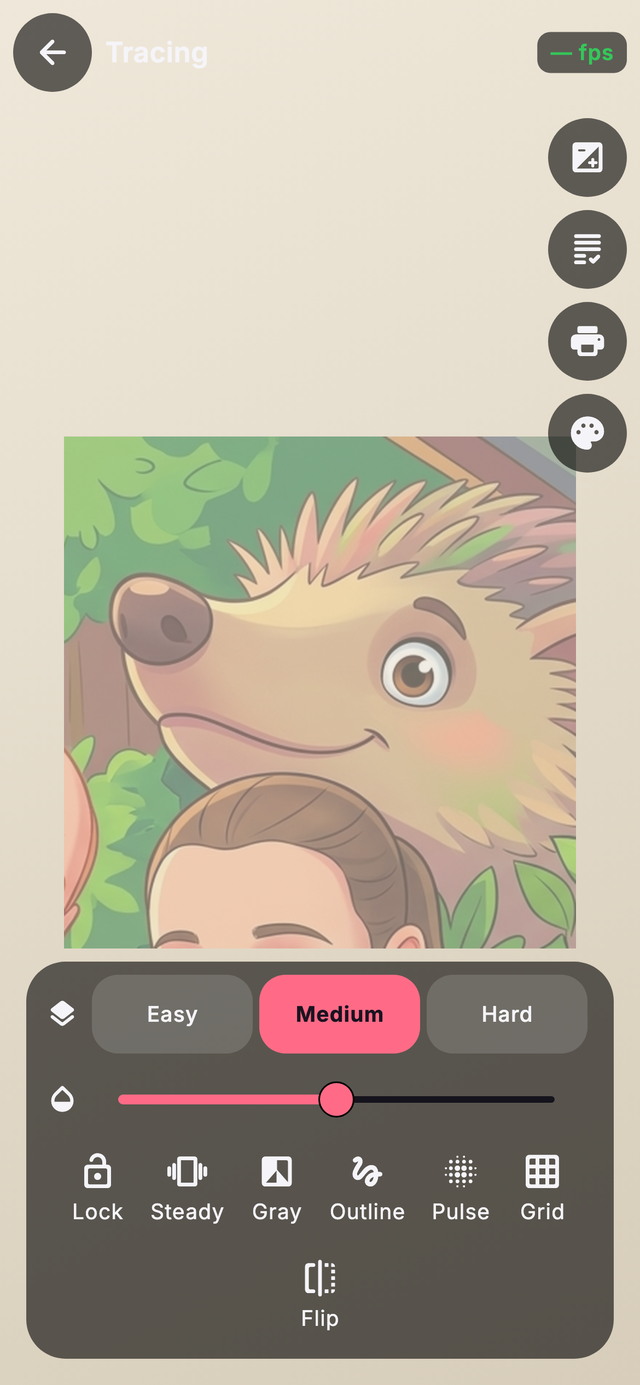
SehgArt tracing screen — a hedgehog picture with the opacity slider, Easy / Medium / Hard, and Lock, Steady, Grey, Outline, Pulse, Grid and Flip controls.
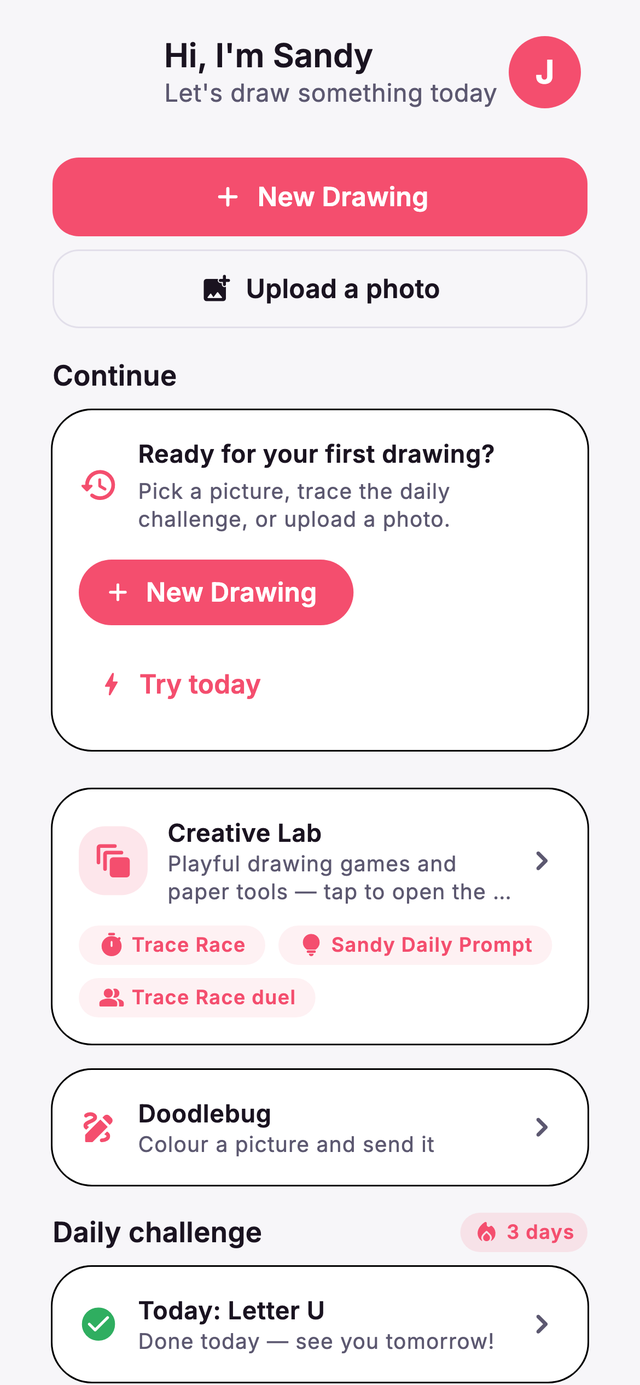
SehgArt home — 'Hi, I'm Sandy — let's draw something today', a New Drawing button, the Creative Lab card, and a 3-day streak.
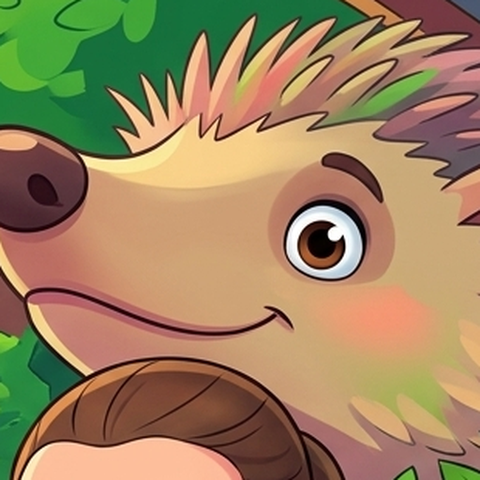
SehgArt's friendly hedgehog mascot peeking out from behind the phone.
No accounts No ads No nagware Nothing leaves the device

01 How it works

Trace, colour, learn.

Three gentle steps — the line-art below colours itself in as you scroll, just like the app.

1

Trace

Hold a reference over the live camera and follow the line. Drop the opacity, steady the shakes with the gyroscope, snap on a 4× grid, or flip it — at Easy, Medium or Hard. Trace our pictures or your own photos.

Opacity slider Steady Grid 4×
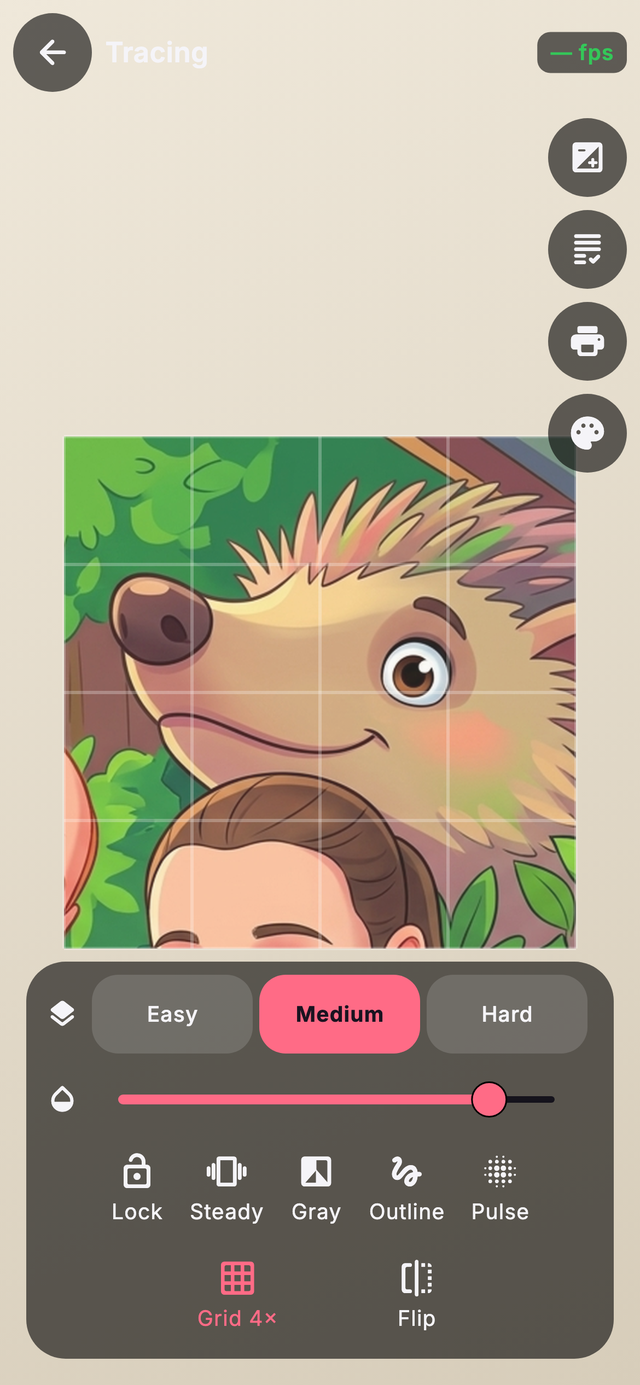
SehgArt tracing with the 4× grid overlay and opacity slider.
2

Colour

Switch to colour-in mode and fill the drawing in. Export a little time-lapse GIF of the whole thing coming together — or print any template to a plain A4 colouring sheet.

Colour-in mode Time-lapse GIF Print to A4
3

Learn

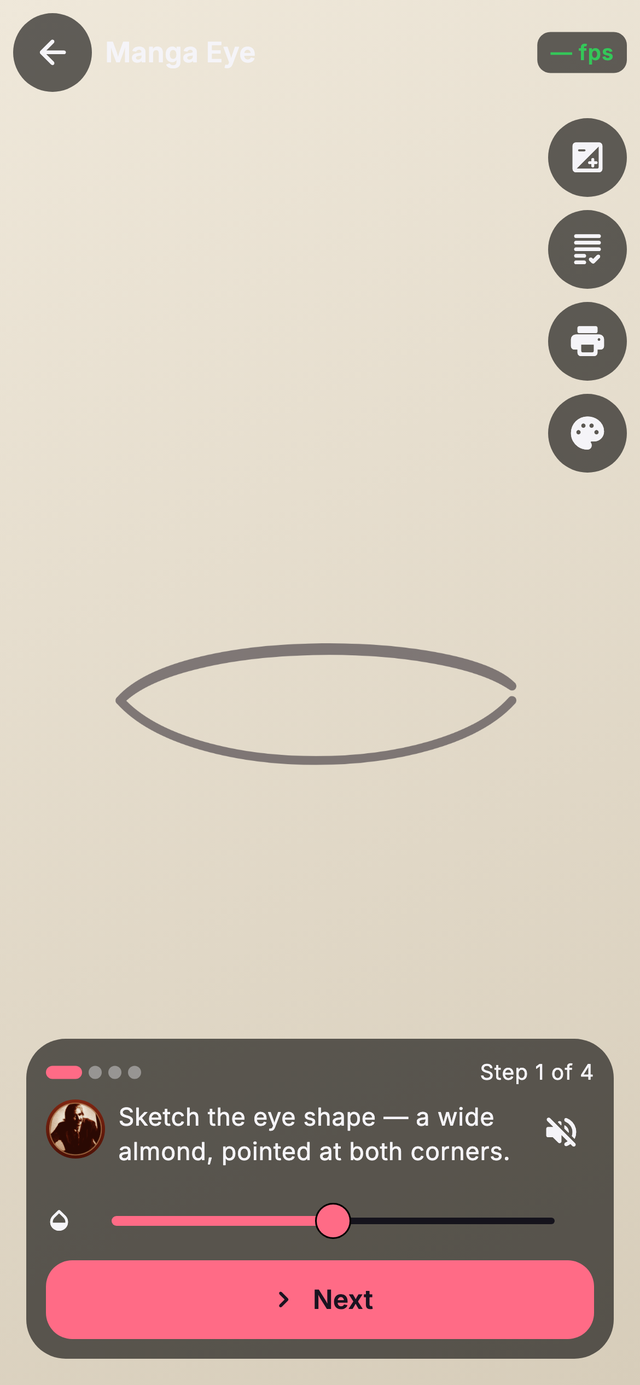
Every picture has a step-by-step lesson — four gentle steps, read aloud by Sandy so pre-readers can follow along without a grown-up reading each line.

4 guided steps Read-aloud (TTS)
A SehgArt guided lesson, step 1 of 4, with read-aloud narration for pre-readers.
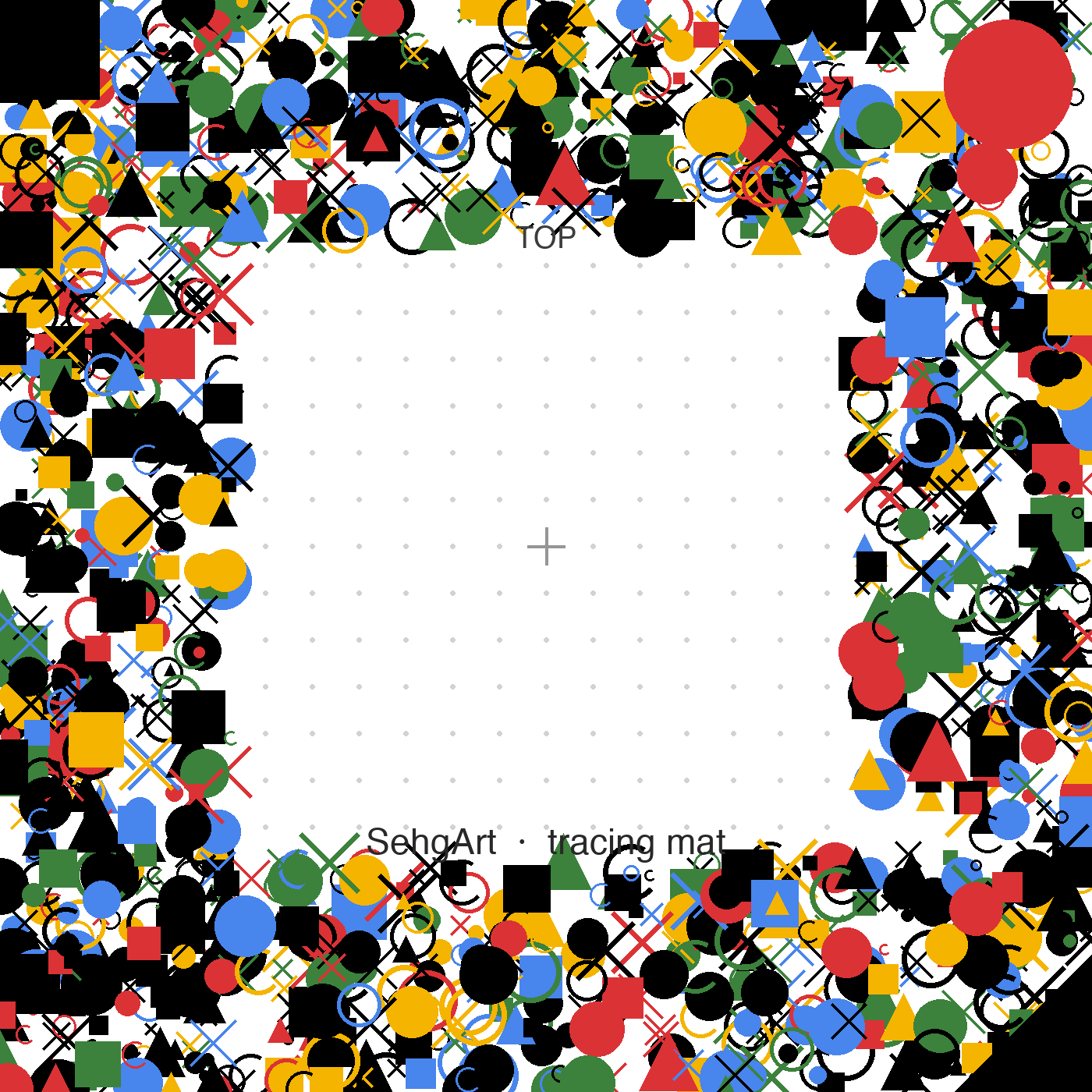
SehgArt printable trace-marker mat — a dotted centre framed by a dense border of shapes that ARCore locks onto.
Anchored AR · Beta · Android

Print the mat, lock the picture in place

On supported Android tablets, print this trace-marker mat and SehgArt uses ARCore to pin the reference picture to the paper — so it stays put while your child draws. No mat? Camera-overlay tracing works everywhere.

01·5 See it in action

Thirty seconds inside the studio.

A quick screen-recording of the real app — the home studio, the picture library, the games in the Creative Lab, the tracing screen with its opacity and grid, a mirror-doodle drawn live, and a private progress profile. No account, no sign-in — everything stays on the tablet.

  • Home studio
  • Picture library
  • Creative Lab games
  • Trace & grid
  • Mirror doodle
  • Progress & streaks

02 What's inside

A whole studio, counted honestly.

285

original templates

drawn in-house, ready to trace

286

step-by-step lessons

four gentle steps each

12

Creative Lab modes

playful drawing games & paper tools

8

languages

EN · ES · FR · DE · PT · IT · JA · ZH

Every tool your child will actually reach for

  • Opacity slider
  • Easy / Medium / Hard
  • Lock
  • Steady — gyro de-shake
  • Grey
  • Outline-only
  • Pulse
  • Grid 4×
  • Flip
  • Trace your own photos
  • Daily challenge + streaks
  • XP levels + badges
  • Multiple child profiles
  • Voice search
  • Home-screen widget
  • Offline kids + grown-ups guides
  • Grown-up PIN lock
  • Time-lapse GIF export

03 For grown-ups

No dark patterns. Ever.

No accounts, no sign-in, no ads, no tracking. Nothing leaves the device.

No profiles to hunt down, no data broker in the loop, and we never paywall a drawing in progress. The free studio is complete and stays that way — SehgArt Plus is an optional extra (more template packs and new lessons every month) that a grown-up can add behind the parent PIN. Where others hide the basics behind a login and sell your child's attention, SehgArt keeps the core free, private, and on the tablet.

No ads
Not one. Nothing to tap by accident, nothing to sell to.
No tracking
No analytics on your child, no profiles, no third-party SDKs.
Works offline
Aeroplane mode is fine. The whole studio runs on the tablet.
No accounts
No sign-up, no email, no login for kids to remember.
Nothing leaves the device
Drawings and progress stay in an encrypted local database.
Parent PIN
A grown-up PIN gates the settings kids shouldn't wander into.
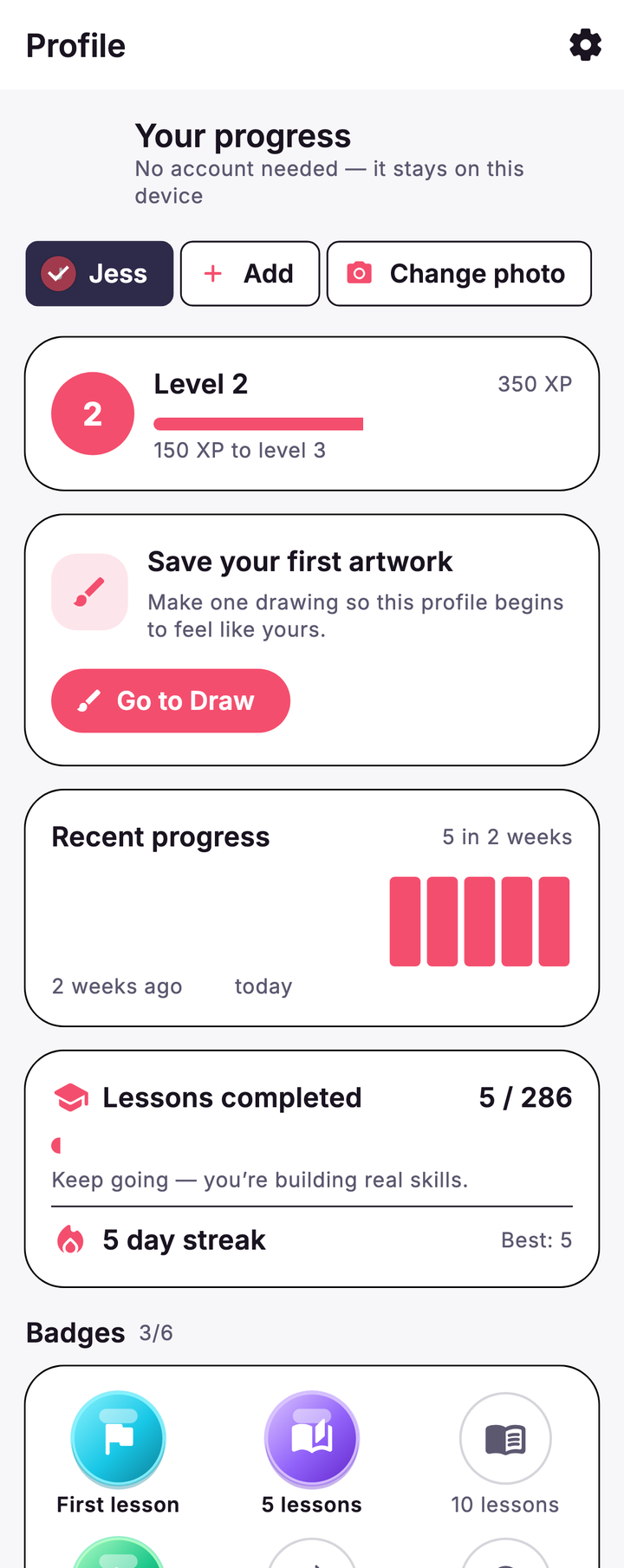
SehgArt profile — Level 2, recent progress, 5 of 286 lessons completed and a 5-day streak. It says the profile stays on this device.

Real progress, kept private: “No account needed — it stays on this device.”

04 Our story

Original art, on principle.

SehgArt honours Amar Nath Sehgal — “Papaji” — Sandy's uncle and a renowned Indian sculptor, who won India's landmark artist moral-rights case.

Because an artist's work is theirs to protect.
Amar Nath Sehgal · 1922–2007 · sculptor

That is why SehgArt teaches with a 100-piece “Sehgal” category of original line-art — inspired by his themes, never reproductions of his actual works. And the same respect for the maker is why the app respects the child: no tracking, and nothing leaves the device.

The drawings shown here are original works inspired by his themes — not reproductions.

From the app's original “Sehgal” line-art category.

05 Your two guides

Meet Sandy & the hedgehog.

Sandy

The gentle read-aloud teacher. “Hi, I'm Sandy — let's draw something today.” Sandy narrates every lesson step so pre-readers can keep up on their own.

The hedgehog

A friendly little studio buddy who turns up to cheer on streaks and celebrate finished drawings — warm and characterful, never babyish.

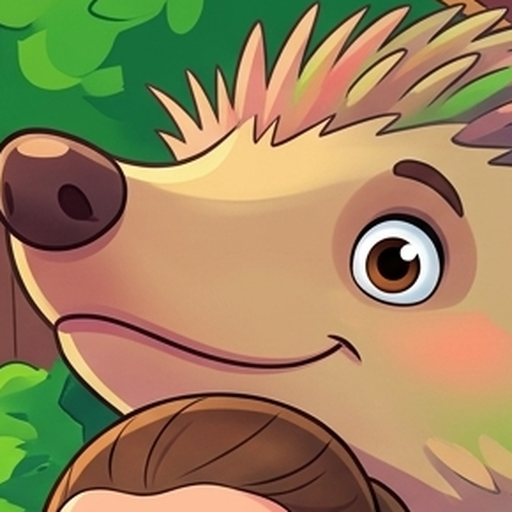
SehgArt's hedgehog mascot, snug and smiling.

Early access

Be first when SehgArt lands.

The app isn't on the app stores yet. Leave a grown-up's email and we'll send one note the day it arrives — nothing else.

Free to download and genuinely complete. Optional SehgArt Plus — £4/month or £24/year, 7-day free trial, cancel anytime — adds extra template packs and new lessons every month.

Grown-up email only · no spam · no child data · unsubscribe in one click